Tactical Pause in Company of Heroes 3
Freeze time with Space — plan flanks, issue orders, and breathe during intense fights.
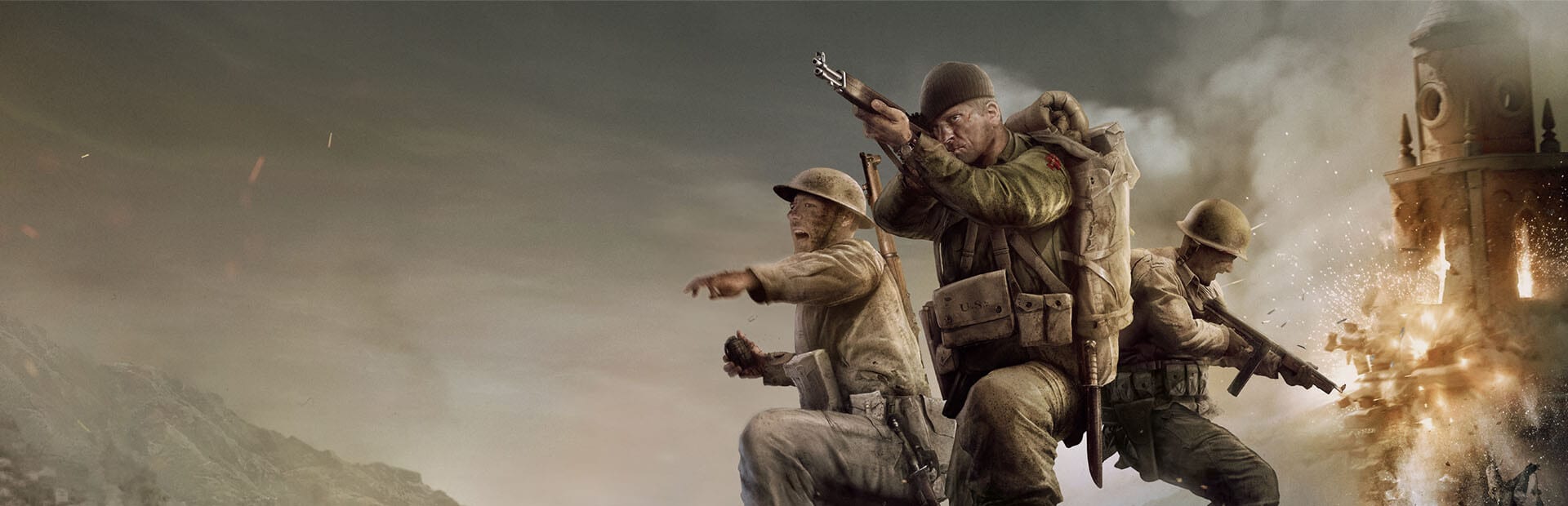
Tactical pause is one of Company of Heroes 3’s signature quality-of-life features — press Space to freeze the battlefield, survey the situation, issue orders, and resume when ready. Unlike traditional pause in other RTS titles, tactical pause in multiplayer behaves differently from single-player and campaign modes. Understanding when and how to use it prevents wasted keypresses and trains good habits for ranked play where pause is unavailable.
How tactical pause works
In single-player, Skirmish vs AI, and campaign tactical battles, Space toggles tactical pause. While paused:
- The battlefield freezes — no units move or fire.
- You can still select squads, queue move orders, activate abilities, and browse the tactical map (M).
- Camera movement remains available so you can inspect multiple fronts.
Resume with Space again. Orders queued during pause execute immediately on resume — use pause to set up synchronized flanks that would be impossible to coordinate in real time during your first week of play.
Multiplayer rules
Ranked and unranked multiplayer do not allow tactical pause that freezes other players. Space may be unbound or non-functional in competitive modes — verify in Controls. Multiplayer improvement therefore depends on Unit Control Groups, minimap awareness, and pre-planning openings from Builds rather than mid-fight freeze planning.
If you learned exclusively through pause-heavy campaign play, expect a adjustment period when entering Multiplayer Basics. Drill no-pause skirmish on Hard before queuing ranked.
Tactical pause in co-op
Co-op modes may allow limited pause depending on host settings and patch version — check Updates for current behavior. When available, coordinate with your partner before pausing mid-fight to avoid breaking flow. Use pause for complex ability combinations — smoke plus flank plus artillery — that need frame-perfect timing in real time.
Best use cases in single-player
Survey and assign: Pause when a new front opens — Italian campaign missions love multi-directional pressure. Open tactical map, assign control groups, queue paths, resume.
Ability sequencing: Pause before committing Munitions abilities — smoke, then move group 3, then group 1 advance. See Cover and Combat for ability timing theory.
Retreat decisions: When multiple squads are wounded, pause to prioritize R retreats for high-veterancy units first. Preserving vet squads matters more in campaign persistence — Italian Campaign Tips discuss carry-over consequences.
Building placement: Pause to orient bases toward capture points without losing early map presence. Pair with Resource Management planning.
When NOT to pause
Over-pausing slows learning:
- Every minor engagement — you need real-time cover reflexes for multiplayer.
- Instead of scouting — pause cannot replace knowing enemy composition from recon.
- During Final Stand horde waves — if the mode disables pause, practice real-time from the start per Final Stand Guide.
Set a personal rule: maximum one pause per major fight in Skirmish once you are comfortable with basics. Reduce to zero before ranked.
Transitioning to multiplayer speed
Build these no-pause skills deliberately:
- Pre-bind control groups before contact — not during fights.
- Use tactical map M without pausing for long paths.
- Memorize one opening from 1v1 Meta Builds until production is automatic.
- Review replays after losses instead of pausing during the next match.
Tactical pause is a teaching tool and campaign convenience, not a crutch for ranked dominance. Use it to internalize plans, then execute those plans at full speed with hotkeys from Controls and faction knowledge from Factions.
Related settings
Check game options for pause-related toggles and whether Space conflicts with other bindings. Remap if needed — consistency across modes reduces misclicks. For full hotkey reference including Ctrl+F4–F11 battlegroups, see Keybinds.
Frequently Asked Questions
Quick answers to the most common Company of Heroes 3 questions.
What is the tactical pause hotkey in CoH3?
Space toggles tactical pause in single-player, skirmish, and campaign. Verify your binding in Controls.
Can I use tactical pause in ranked multiplayer?
No. Ranked multiplayer does not freeze for one player. Practice no-pause skirmish before queuing.
Can I issue orders while paused?
Yes. Select units, queue movement and abilities, then resume — orders execute immediately.
Does Final Stand support tactical pause?
Check Final Stand guide and latest patch notes — roguelite modes may use different rules than campaign.
How do I wean off pause for ranked?
Limit pauses per match in skirmish, master control groups, and drill one build order until it is muscle memory.